# SoftGeek PDF Converter: Secure, Fast, and Hassle-Free PDF Management
In today’s digital world, PDF files are an essential part of business, education, and everyday document sharing. Whether you need to convert documents, merge multiple PDFs, compress large files, or transform images into PDFs, SoftGeek PDF Converter offers a simple and reliable solution.
Designed with ease of use in mind, SoftGeek PDF Converter helps users manage PDF files efficiently without requiring software installation or technical expertise. Everything works directly from your web browser, making document conversion quick and convenient.
## Why Choose SoftGeek PDF Converter?
### Simple and Easy to Use
SoftGeek PDF Converter features a clean and intuitive interface that allows users to upload, convert, and download files in just a few clicks. Whether you’re a student, professional, freelancer, or business owner, the platform makes PDF management straightforward and accessible.
### Privacy and Security First
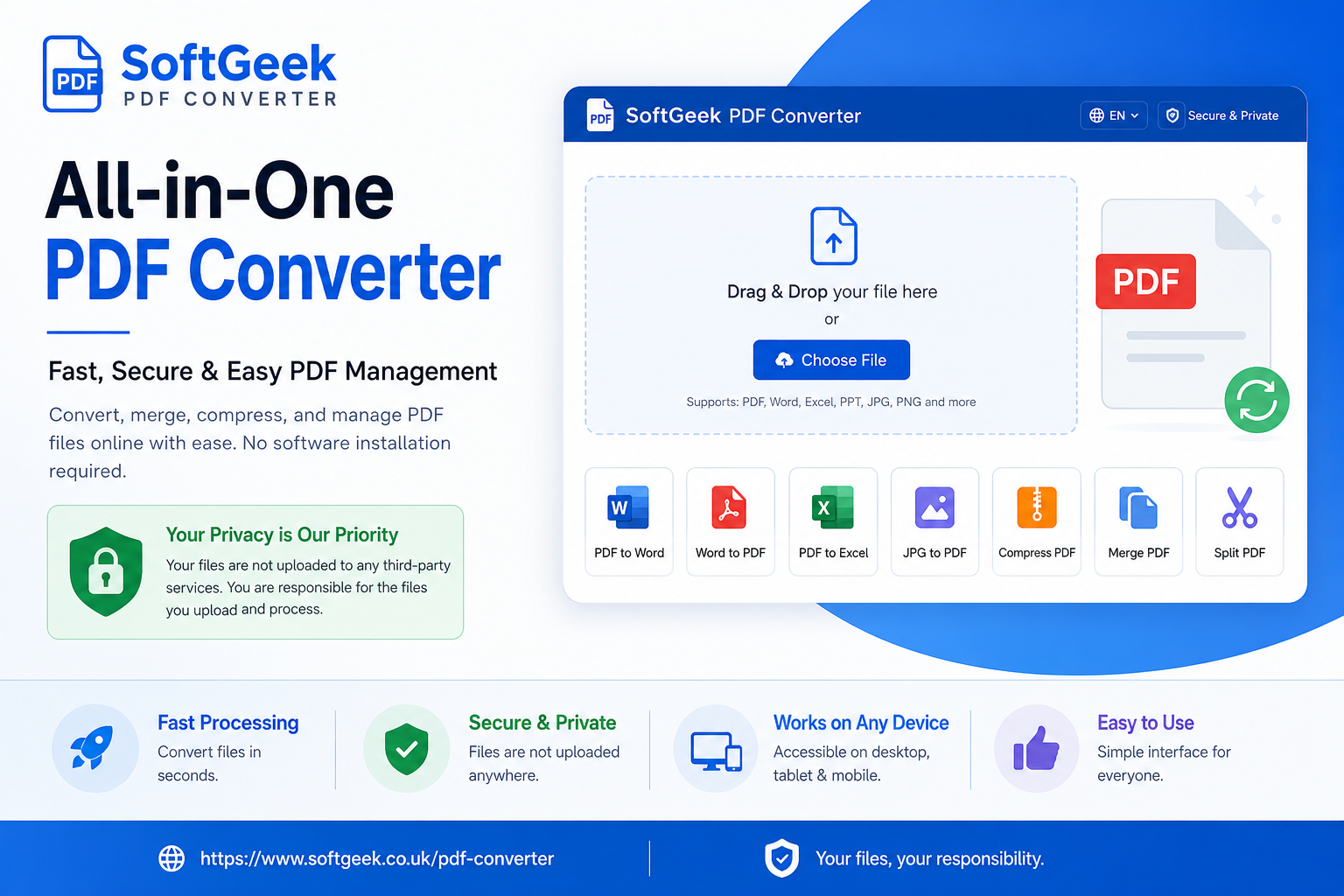
Document security is one of the biggest concerns when using online file conversion tools. SoftGeek PDF Converter is built with privacy in mind. Files processed through the platform are not uploaded to third-party storage services, giving users greater control over their documents.
Users are responsible for the files they choose to upload and process. For sensitive or confidential information, it is always recommended to follow your organization’s data protection policies and ensure that documents are handled appropriately.
### Powerful PDF Tools in One Place
SoftGeek PDF Converter provides a complete set of PDF management tools, including:
* PDF to Word Converter
* Word to PDF Converter
* PDF to Excel Converter
* Excel to PDF Converter
* JPG to PDF Converter
* PDF Compression Tool
* PDF Merge Tool
* PDF Split Tool
These features help users save time and improve productivity when working with digital documents.
### Accessible on Any Device
Because SoftGeek PDF Converter runs entirely through a web browser, it works seamlessly across Windows, macOS, Linux, Android, and iOS devices. Users can access their PDF tools anytime and from anywhere without installing additional software.
## Benefits of Using SoftGeek PDF Converter
* Fast file processing
* User-friendly interface
* No software installation required
* Secure document handling
* Multiple PDF tools in one platform
* Compatible with desktop and mobile devices
* Ideal for personal and professional use
## Final Thoughts
SoftGeek PDF Converter is a practical and efficient solution for anyone looking to manage PDF files online. From document conversion and compression to merging and splitting PDFs, the platform provides the essential tools needed for everyday document workflows.
With its focus on simplicity, speed, and privacy, SoftGeek PDF Converter makes PDF management easier while giving users greater confidence in how their files are handled. Whether you’re working on business documents, academic projects, or personal files, SoftGeek PDF Converter offers a reliable way to get the job done.